Stable test environments
Run the same flow on the same Android profile more than once using structured Android testing environments and device simulation, and get comparable results instead of guesswork caused by drifting setup.
Use Case
Android QA testing is the process of validating Android applications across devices, OS versions, and environments to ensure consistent performance and reliability.
By combining real device testing, device simulation, and structured QA workflows, teams can reproduce bugs, validate fixes, and eliminate inconsistent results across test runs. This approach is essential for Android QA teams that need reliable, repeatable testing across multiple environments.
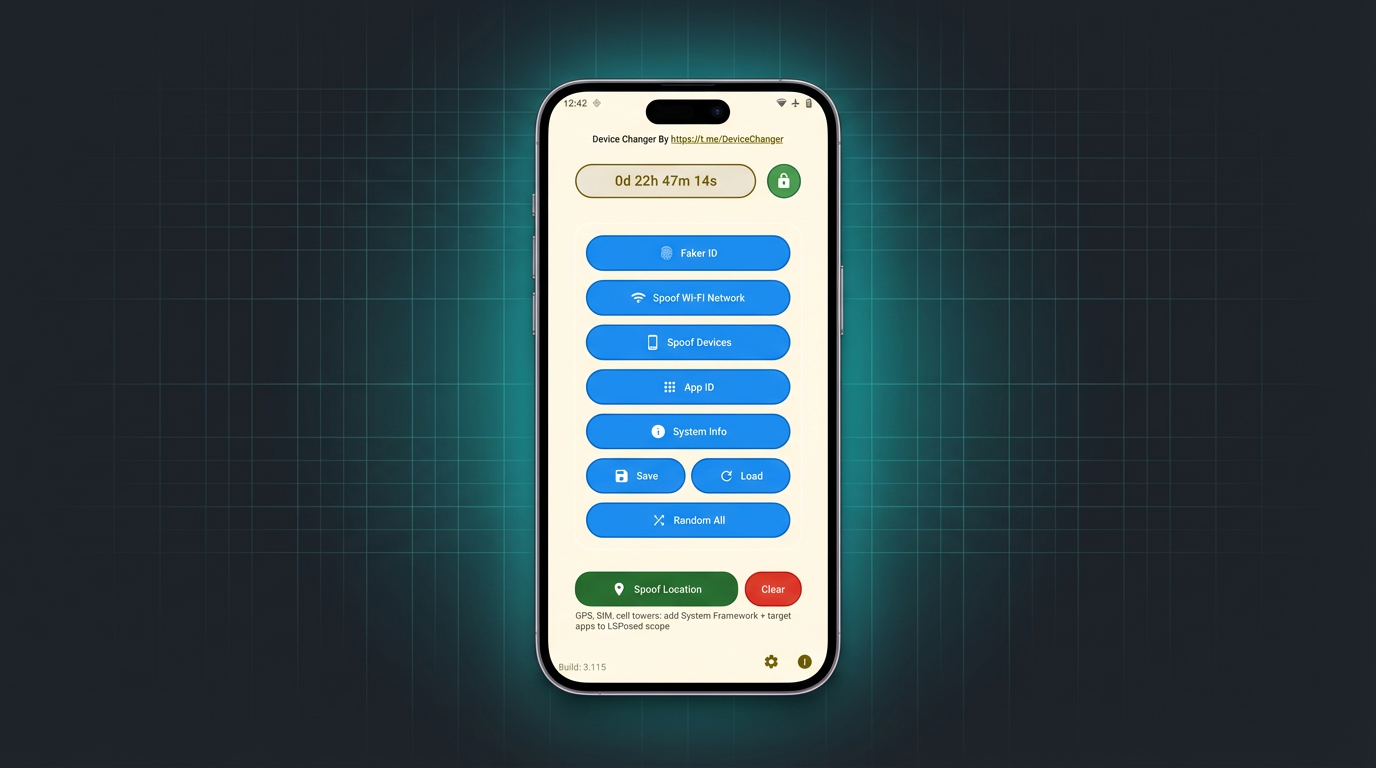
Run the same flow on the same Android profile more than once using structured Android testing environments and device simulation, and get comparable results instead of guesswork caused by drifting setup.
Prioritize the devices, Android versions, and scenarios that affect production quality instead of trying to test everything equally.
Keep screenshots, logs, and scenario outcomes aligned with the exact profile used in the run so release decisions stay defensible.
Android QA testing focuses on testing mobile applications across different device configurations, operating systems, and environments.
It includes:
This allows teams to compare results across builds, reproduce issues consistently, and ensure stable releases.
Android applications behave differently depending on device configuration, OS version, and environment conditions.
To ensure reliable results, QA teams:
This reduces inconsistencies and improves bug reproduction accuracy.
Android QA often slows down not because teams lack test cases, but because each rerun happens in a slightly different environment. One tester applies a profile differently, another uses a different app state, and a third reruns the issue after a reboot with changed network context. The result is noisy evidence, unstable bug reproduction, and long debugging loops.
A profile-driven approach fixes that problem. QA engineers can combine Android QA testing with device simulation and mobile testing workflows to define a baseline once, reuse it across regression cycles, and compare outcomes with much less ambiguity. That makes failures easier to explain and fixes easier to verify.
Start with a small set of known-good profiles to confirm that the build boots correctly, core app flows work, and the environment is healthy.
Rerun flows most likely to break between releases: onboarding, login, payments, messaging, integrity checks, and account recovery. For regression cycles specifically, see Android Regression Testing for a full workflow.
Use the same profile set to confirm that fixes really hold on the release build and that no late-stage environment regressions slipped in.
Start testing with device simulation for Android QA workflows Device simulation for QA
Teams get better results when they organize QA by profile groups instead of ad hoc devices. A useful matrix usually includes one or two baseline configurations, a few risky environments tied to real defect history, and one release-candidate pass across the highest-value paths. This keeps coverage meaningful while preserving execution speed.
It also improves collaboration. When QA can say “this failure happened on profile A12-SMOKE-03 with the same network and app state as last sprint,” developers can reproduce the bug much faster than when a ticket only says “fails on one device.”
Development phase: Android Studio with built-in unit testing support. Robolectric for testing Android components without a device. Mockito for isolating dependencies.
Integration and UI testing: Espresso for native Android UI tests. MockWebServer for API interaction testing. Room in-memory database for database layer testing.
Device coverage: Android Emulator for fast iteration during development. Device simulation platforms for structured regression testing across profiles. Firebase Test Lab for pre-release testing on real devices at scale.
Production monitoring: Firebase Crashlytics for crash reporting segmented by device and OS version. Google Play Console for aggregated crash data and user-reported issues. Firebase Performance Monitoring for real-world performance metrics.
Each phase has different tooling requirements. The mistake most QA teams make is using the same tools for all phases — fast unit tests shouldn't wait for device setup, and release validation shouldn't rely only on emulators.
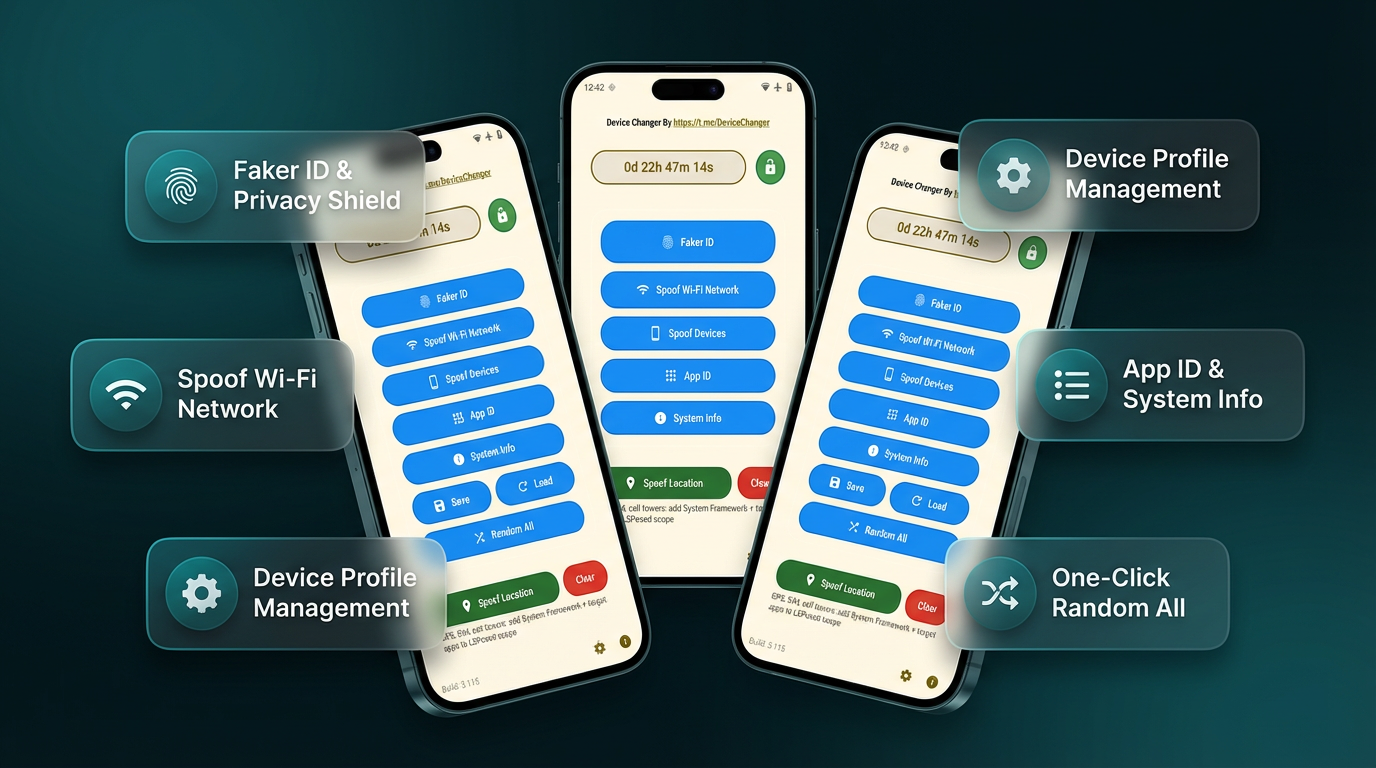
Check the release candidate against saved baselines before rollout and confirm that blocker fixes hold under the same environment conditions.
Attach the profile, scenario steps, and evidence so the developer can reproduce the issue faster and avoid repeated clarification loops.
Rerun the most expensive-to-break flows each sprint with the same setup and compare behavior between builds instead of relying on memory.
Android QA testing is the systematic process of validating Android app behavior across devices, OS versions, and environments before release. It covers functional testing (does it work), regression testing (did we break anything), compatibility testing (does it work on all target devices), and performance testing (does it work efficiently).
Android QA adds device fragmentation as a core variable. A bug that only appears on Samsung devices running Android 11, or only on devices with 2GB RAM, requires specific device configurations to reproduce. General software testing doesn't face this level of environmental variability.
By building a profile matrix — a prioritized list of device/OS combinations that represent the app's real user base. Rather than testing every possible combination (impossible at scale), teams test the combinations that cover 70–80% of their users and use simulation to extend coverage beyond what physical devices allow. This matters most right now around Android 17's compatibility changes, since several of them affect large-screen and memory behavior specifically.
For test execution: Espresso (UI automation), JUnit (unit testing), Appium (cross-platform). For device coverage: Android Emulator, Firebase Test Lab, device simulation platforms. For monitoring: Firebase Crashlytics, Google Play Console. For environment management: device profile tools that ensure reproducible test setups.
By configuring a simulation environment that matches the device where the bug was reported — same model properties, OS version, identifiers — and running the steps that triggered the issue. Bugs that are tied to device-specific behavior become reproducible when the environment matches precisely.
Three phases: smoke testing (does the build work at all), regression testing (did anything break), and release validation (does the release candidate pass all critical paths on target devices). Each phase uses a defined profile set so results are comparable across builds.
Simulation for regression cycles, compatibility checks, bug reproduction, and identifier-sensitive flows. Real devices for final release validation, hardware-specific bug investigation, and OEM-specific behavior testing. Most production QA teams use both.